
A shared plan. Work that stays understandable.
Chessboard connects the context behind a project with the work your team actually chooses to do.
Start with shared scope
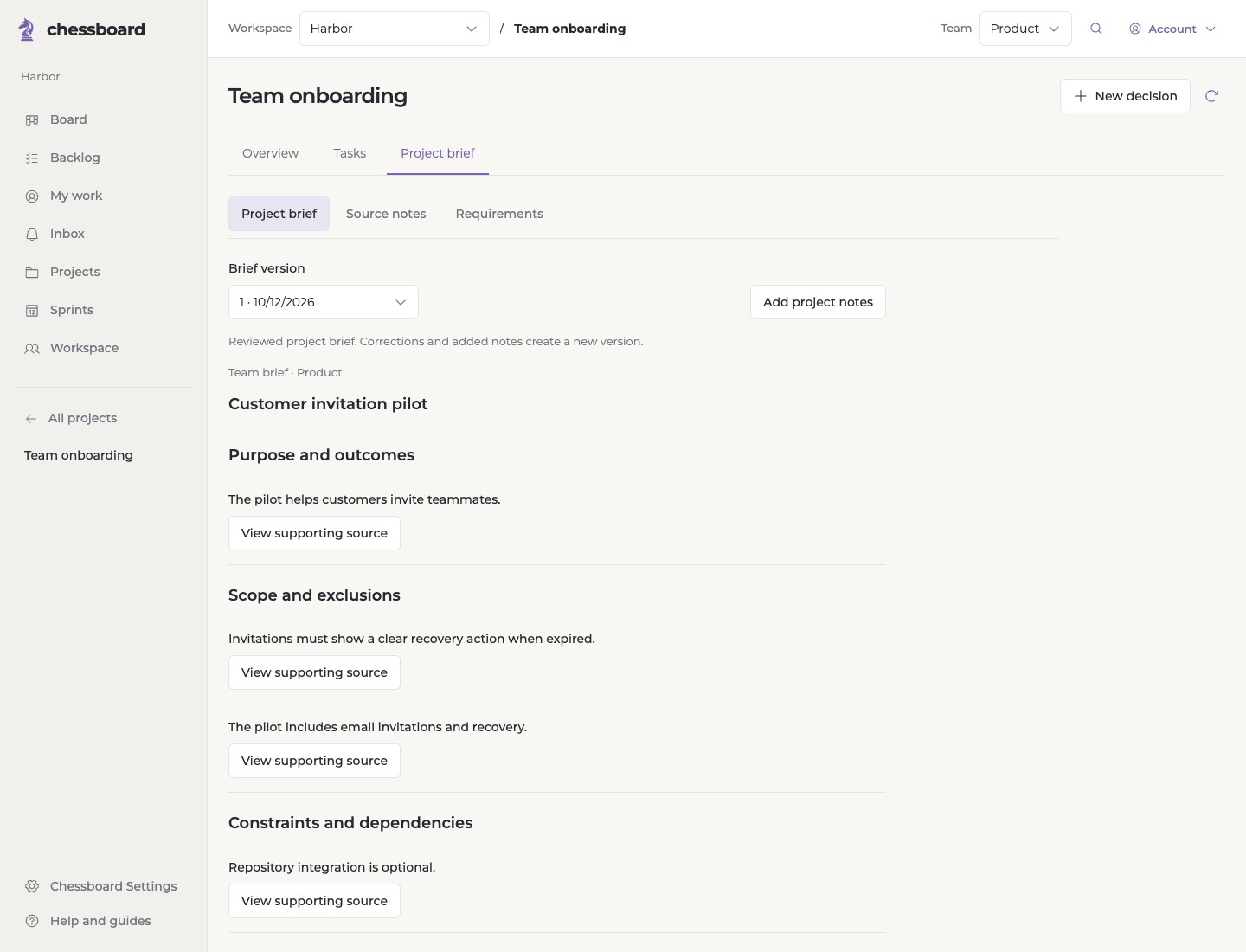
Bring plain-text project notes into a draft organized around purpose, scope, constraints and open questions. Correct the wording, preserve important conditions and confirm the brief when it reflects your project.
The reviewed brief stays available as project guidance. Adding notes later creates a proposed update for review rather than silently replacing what the team agreed.
Make work concrete
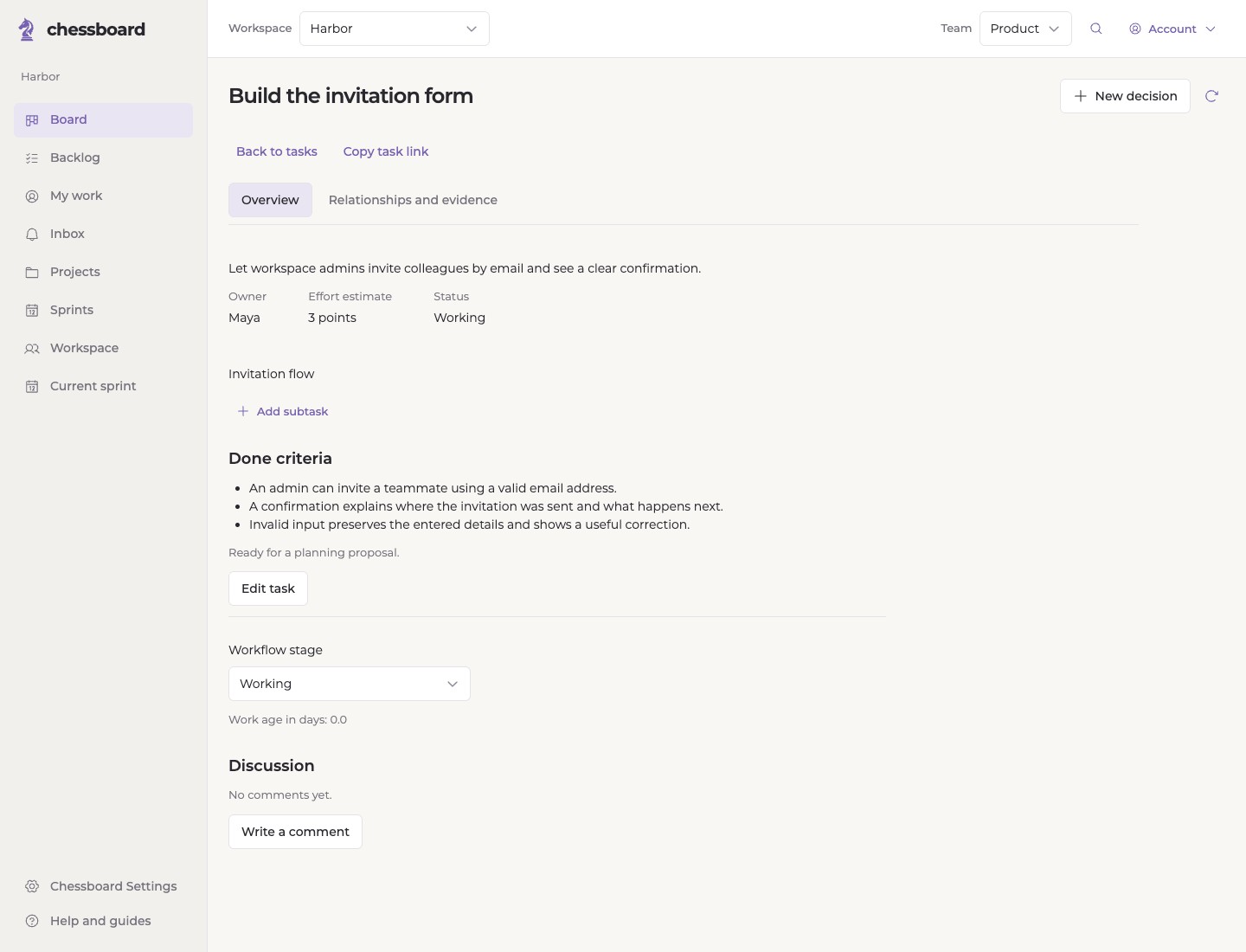
Create and organize tasks with owners, estimates, priorities, dependencies and done criteria. Use project milestones and subtasks where they help explain the work.
A task's status, a sprint commitment and an optional acceptance record serve different purposes. Ordinary teams can use Done to complete work without adding extra ceremony.
Choose work that fits
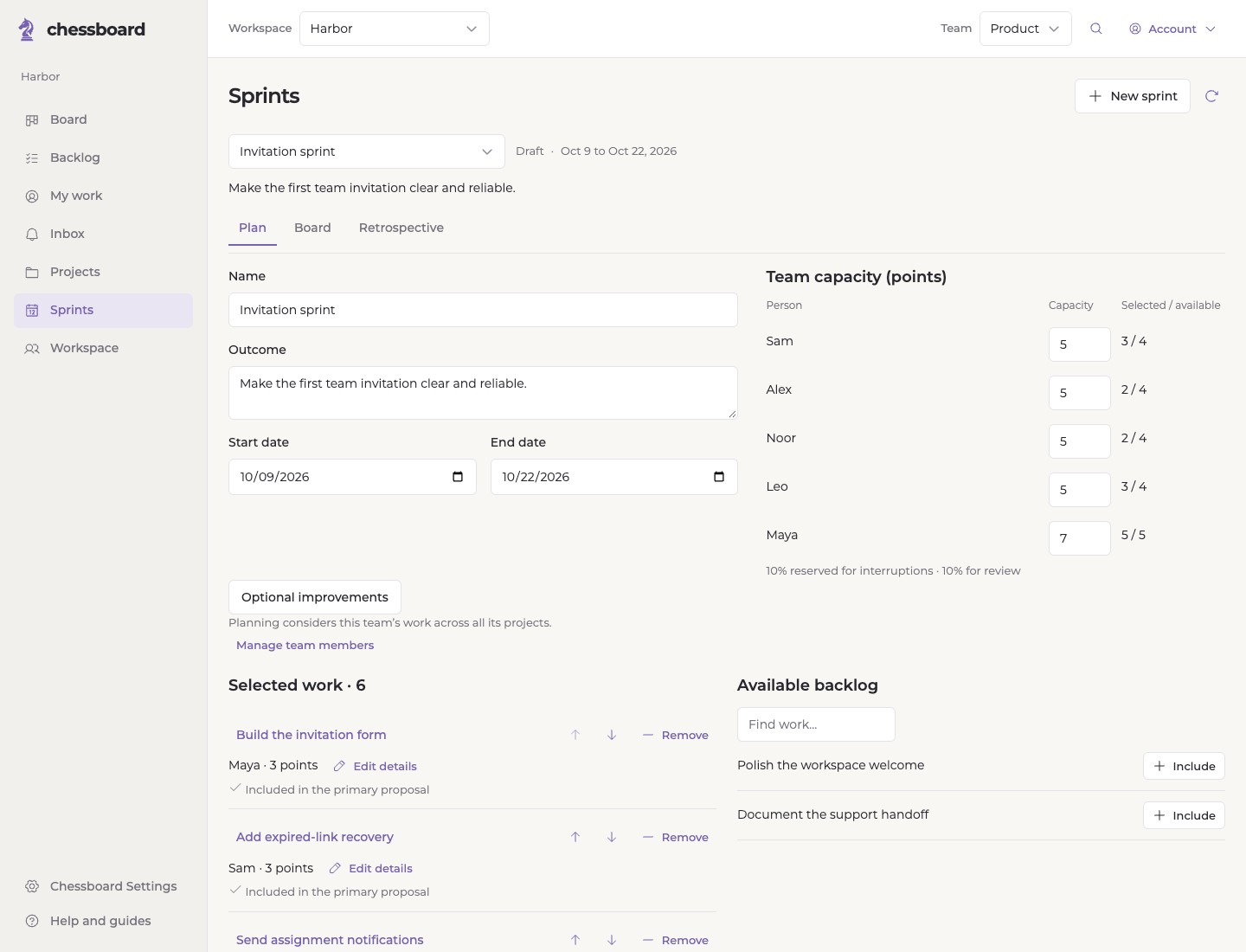
Set a sprint outcome, select work and review capacity for each participant. Reserve room for interruptions and review. Chessboard checks the current owners, effort, dependencies and relevant unresolved decisions before a proposal can become a commitment.
The team selects and approves work. Chessboard does not assign people automatically or quietly move unfinished work into the next sprint.
Keep everyday work close
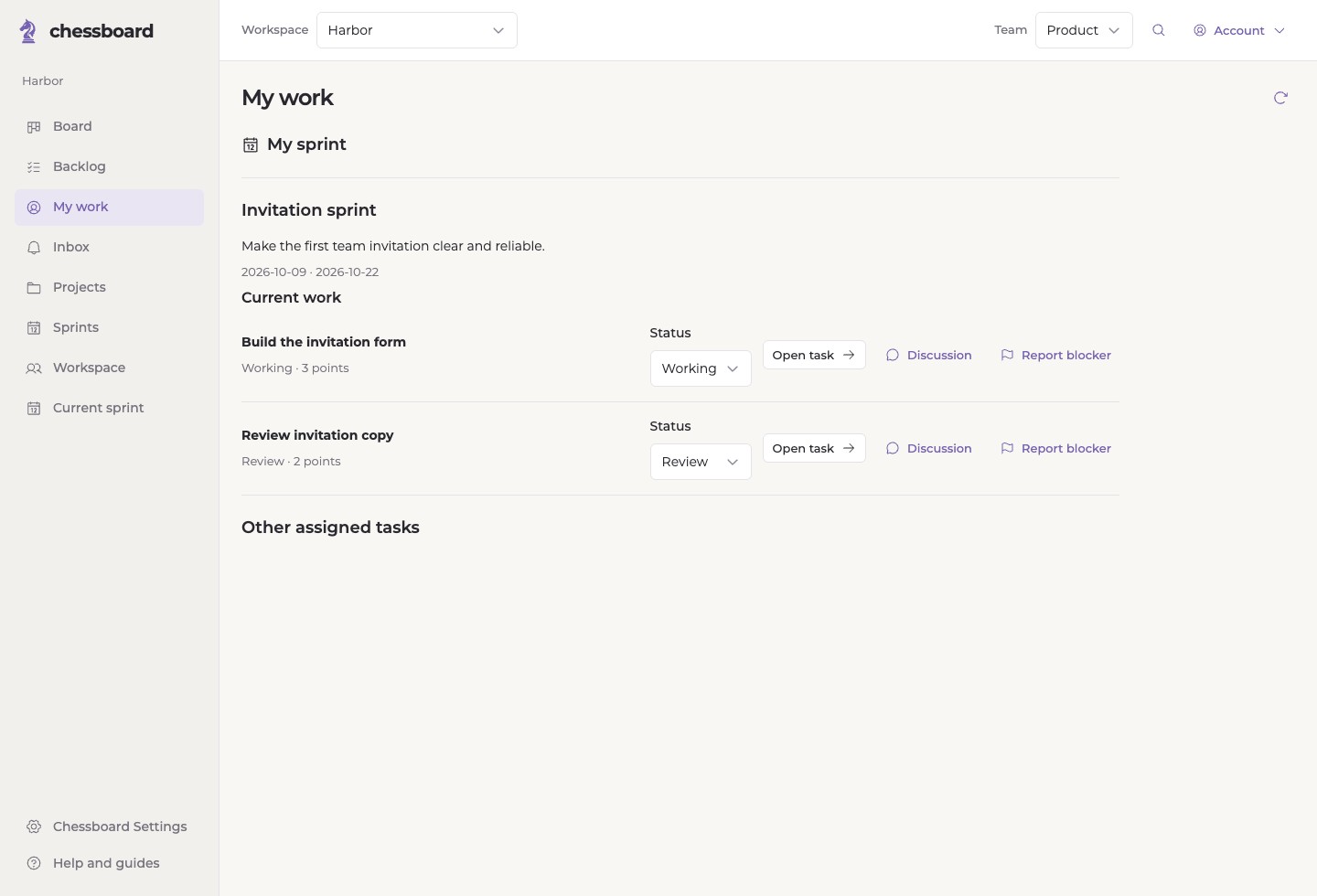
Use the board for the team's work and My work for your own assignments. Open a task to discuss it, update its stage or report what is blocking progress.
Search, filters and shared saved views help you find a relevant slice of work. Selected GitHub issue and pull-request observations can sit alongside task progress.
Review before moving on
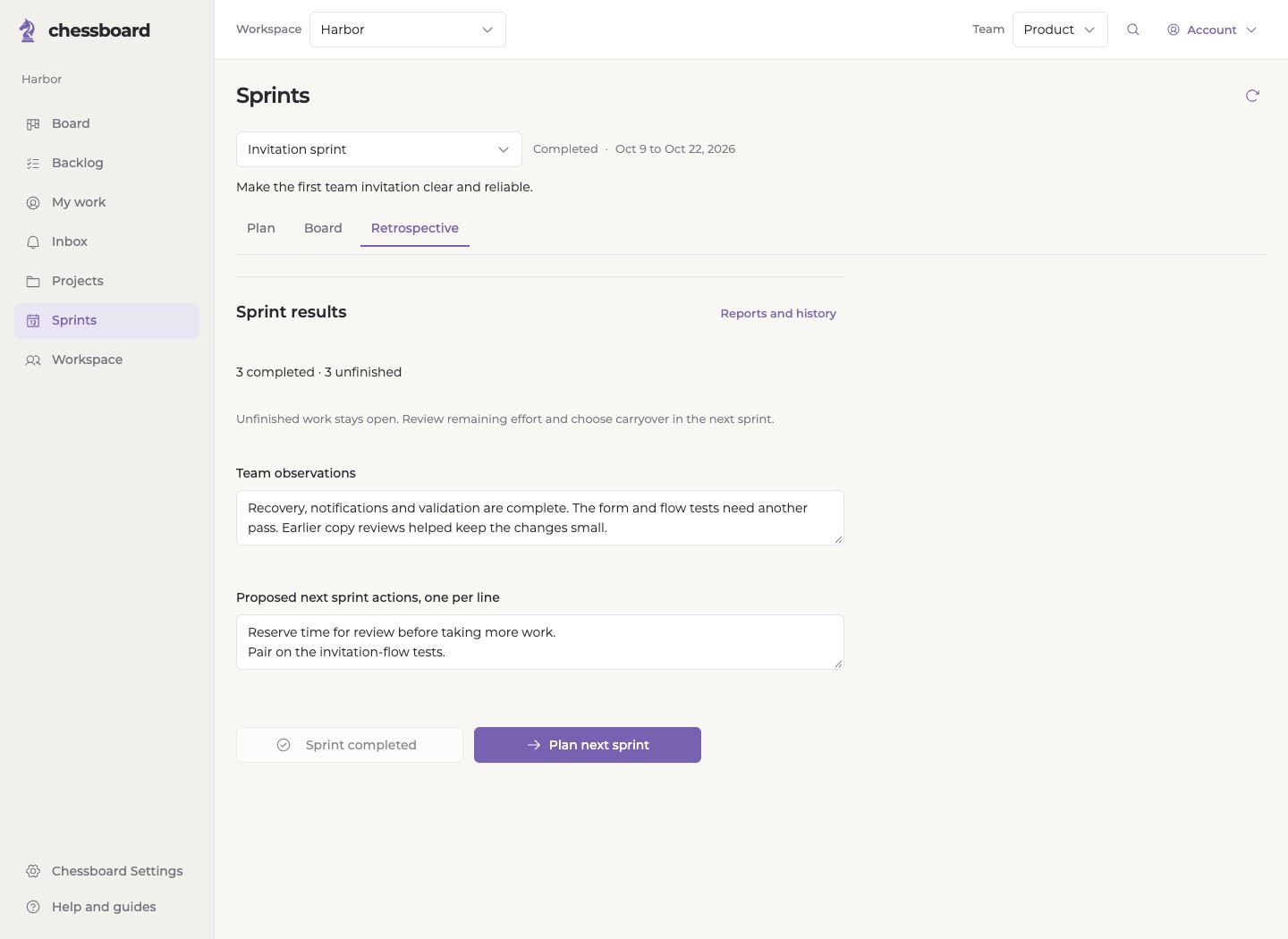
Complete a sprint deliberately. Its results remain available as a saved record while unfinished tasks stay open.
Record observations, review remaining effort and choose what belongs in the next sprint. Optional improvement actions are part of that next planning conversation.
Plan your team’s next sprint.
Bring your team, agree on scope and choose work that fits.