
Comparison checked 2026-10-12 against the linked official documentation. Features and availability can change.
Flexible repository views or a guided planning path
GitHub Projects offers adaptable tables, boards and roadmaps integrated with issues and pull requests. Its fields, views, charts and automation can be configured around a team's process. About GitHub Projects.
Chessboard connects reviewed project scope, individual capacity, sprint commitments, daily work and a retrospective. The team still chooses and approves what happens.
| Planning choice | Chessboard today | GitHub Projects' documented approach |
|---|---|---|
| Starting context | An organized project brief the team reviews and confirms. | Repository work organized through configurable project fields and views. |
| Work views | Board, backlog, My work and sprint-specific views. | Tables, boards and roadmap layouts. |
| Repository relationship | Linked read-only observations; no bidirectional issue sync. | Project items integrate directly with GitHub issues and pull requests. |
Keep each person's next step visible
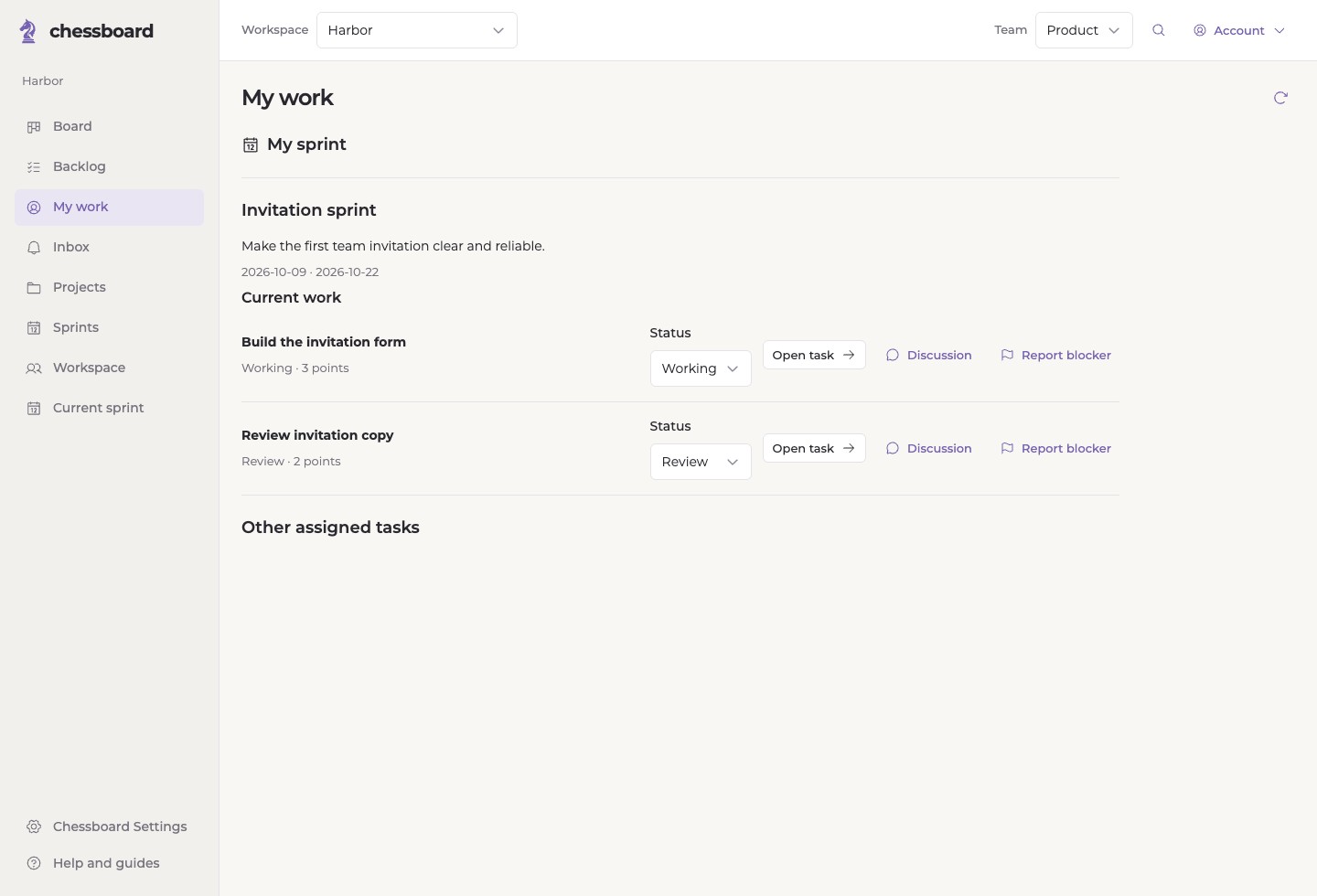
My work shows a participant's current assignments, status controls, task discussions and blockers. The team board gives the shared picture.
The value of the extra planning layer depends on your team. If configurable repository-native views already provide the process you want, you may not need another tool.
When Chessboard may fit
Choose GitHub Projects when keeping work directly within GitHub and configuring views around your own process are the priority. We do not claim it lacks iterations, custom fields or automation.
- You want a reviewed brief before turning notes into work.
- You want owners and capacity built into sprint selection.
- You want an explicit retrospective and reviewed carryover into the next sprint.